Can ChatGPT tell you who unfollowed you on Instagram?
ChatGPT can't see your Instagram account. With one export it can list who doesn't follow you back; with two exports it can show who left in between. A prompt that works, and the five mistakes to check for.
By FindUnfollower · · 7 min read
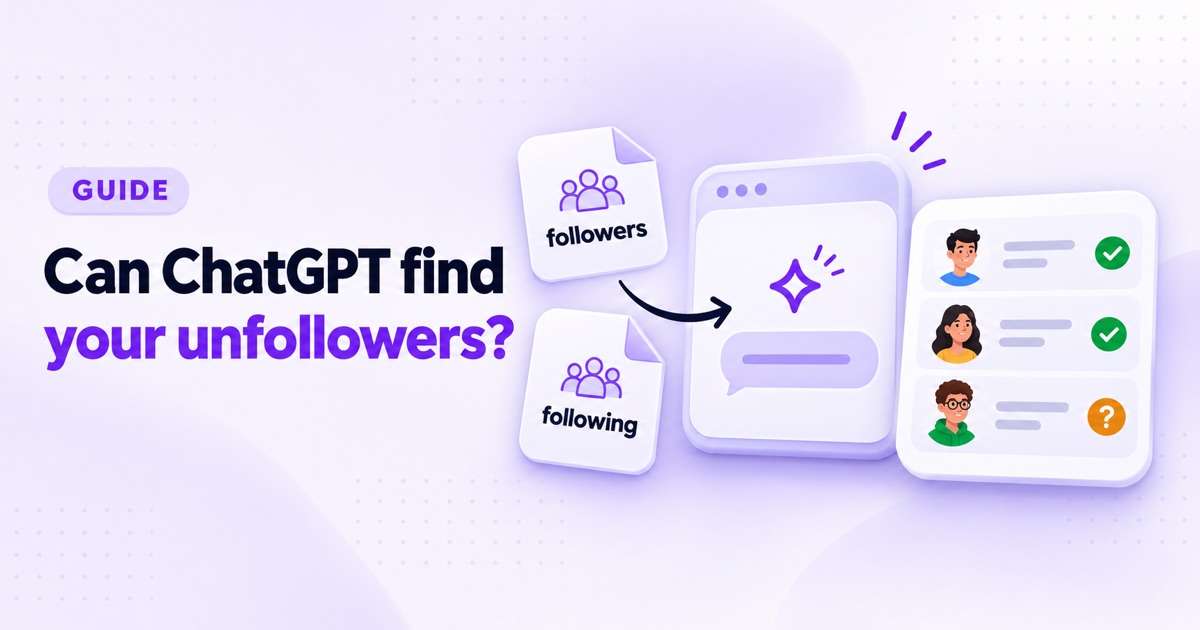
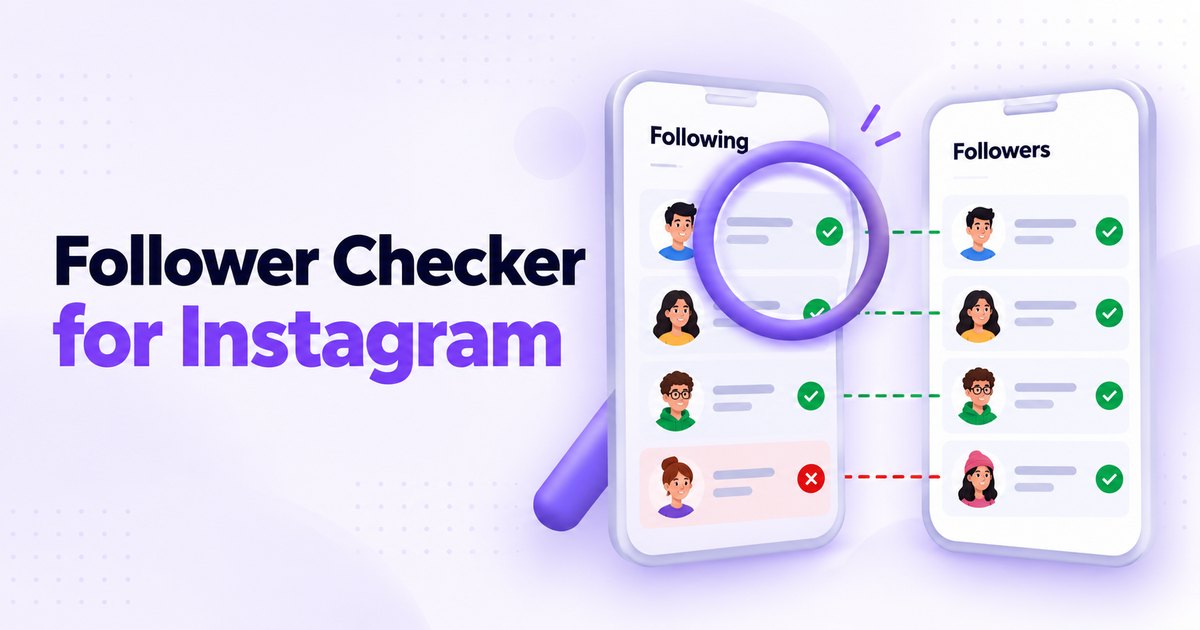
No, not on its own. ChatGPT cannot see your Instagram account, and Instagram keeps no list of people who unfollowed you that anything could read. What ChatGPT can do is compare files you upload. One Instagram export lets it tell you who doesn't follow you back. Two exports from different dates let it tell you who left in between. Many of the viral "ChatGPT trick" videos blur those two answers.
What ChatGPT can and can't answer
| Question | With one export | With two exports |
|---|---|---|
| Who doesn't follow me back? | Yes | Yes |
| Who unfollowed me? | No | Yes, between the two dates |
| Who unfollowed me before my first export? | No | No |
The second row is where people get misled. A single export is a snapshot: someone who unfollowed you last week is simply absent from it, with no trace. Ask ChatGPT "who unfollowed me?" with one export and the best it can honestly give you is the non-followers list under another name. Non-followers and unfollowers are different lists, and only the second needs history.
The same limit applies to any AI tool. None of them can see who unfollowed you; they can only compare lists you give them.
Get the right files first
Request your data in Instagram under Accounts Center → Your information and permissions → Export your information. The export guide has the screens. Three settings decide whether ChatGPT's answer can be right:
- Followers and following only. A full archive is huge and slow to arrive.
- Date range: All time. The default, Last year, keeps only people who followed you in the last twelve months, while your following list stays complete. Compare those two and hundreds of real followers look like non-followers. Here is why the date range must be All time.
- JSON format. ChatGPT accepts HTML files too, but JSON is easier to process with code, and the prompt below is written for it.
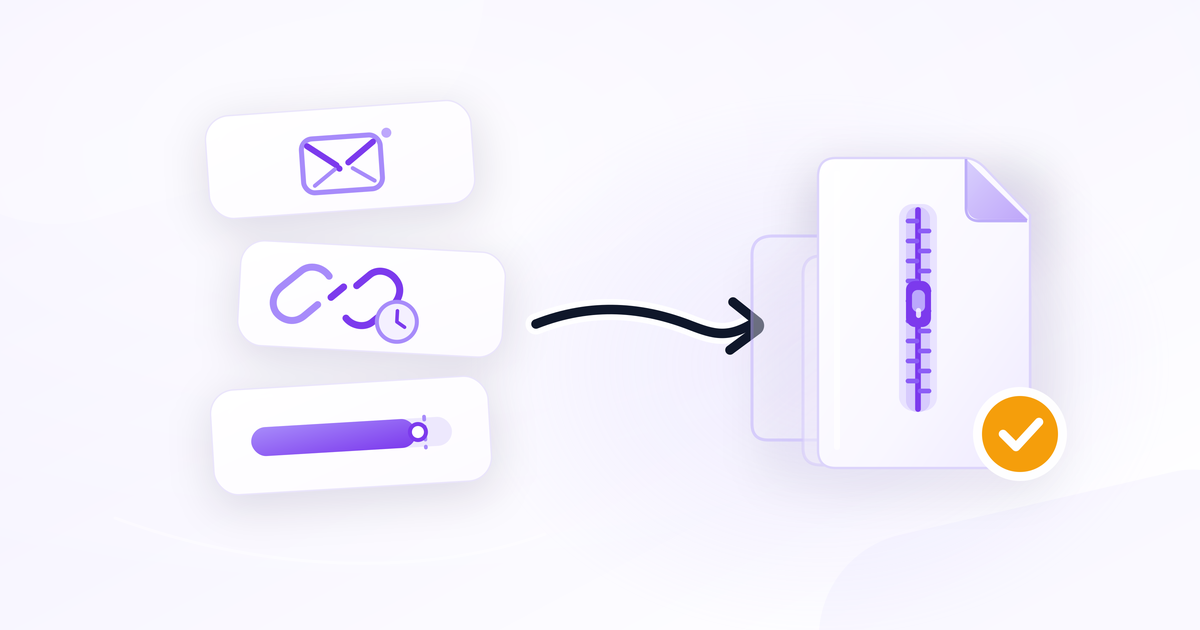
In the ZIP, the files you need are in connections/followers_and_following/: followers_1.json (large accounts also get followers_2.json, followers_3.json and so on, all parts of one list) and following.json. Leave the rest out. To see how many follower files your export has, and how many accounts each list holds, drop the ZIP into the free ZIP analyzer first.
One practical limit: OpenAI's help center says Free users can upload 3 files per day. A large account with two followers files plus the following file uses the whole allowance in one go.
A prompt that makes ChatGPT compare properly
Ask it to run code, not to read the lists. When it computes the difference, the names come from the files. When it reads long lists by eye, it can skip or invent names and still sound confident. Paste this after uploading the files:
These are my Instagram export files: one or more followers files
(followers_1, followers_2, ...) and following.json. Use code to compare
them; do not read the lists by eye.

For every entry, take the username from string_list_data -> value.
If that is missing or is a link, use the last part of the "href"
link. Only if both are missing, use "title". Lowercase every username.
Combine all followers files into one list and remove duplicates.

1. Tell me how many followers and how many following accounts you read.
2. List every username in following that is not in followers.
3. List separately any username that starts with __deleted__.
Give me the result as a downloadable CSV.
The username rule matters because the export does not always store the name in the same field: depending on the file and the export version it can sit in value, only in the profile link, or in title, which in some entries holds a display name instead. A comparison that reads the wrong field produces names that match nothing, and those accounts show up as non-followers.
For unfollowers, upload the followers files from two exports, say which is older, and change step 2 to: "List every username in the older followers files that is not in the newer ones." Put the date in each file name before you upload, so you cannot mix them up. Both exports must use All time: if either one is a Last-year export, older followers missing from it show up as false unfollowers or false new followers. Our two-export method explains the comparison without ChatGPT.
Five ways the answer goes wrong
1. The export used "Last year". ChatGPT has no way of knowing. If the non-followers list is almost as long as your following list, or close friends are on it, check the range. An HTML export says "Contains data that you requested from … to …" at the top. In JSON, the oldest follower is only about a year old while the people you follow go back much further.
2. A followers file is missing. Upload followers_1 without followers_2 and everyone in the second file that you follow becomes a non-follower. Compare ChatGPT's follower count with your profile on the day you exported.
3. The "recently unfollowed" file gets read as unfollowers. recently_unfollowed_profiles lists accounts you unfollowed, not accounts that unfollowed you. If ChatGPT answers "who unfollowed me" from one export, check whether it used this file.
4. Accounts that changed, not people who left. Instagram replaces the username of a deleted account with a placeholder that starts with __deleted__, so it no longer matches the account's old name. Deactivated accounts drop out of the lists. A renamed account looks like one person leaving and a new one arriving. And someone who blocked you disappears exactly like someone who unfollowed you; the export cannot tell the two apart.
5. It summarized instead of computing. If the reply has no follower and following counts, or the counts do not match the files, ask it again to use code. Then search three names from the result in your Followers list on Instagram. If one of them does follow you, the comparison is off.
What you hand over when you upload
Your followers and following files contain other people's usernames and the dates they followed you. Once uploaded, they are handled under OpenAI's policies. On personal Free, Plus and Pro accounts, the setting that lets OpenAI use your chats to improve its models, Improve the model for everyone, is on by default. You can switch it off under Settings → Data controls. A Temporary Chat is not used to improve OpenAI's models, though OpenAI may keep it for up to 30 days for safety. Either way, upload only the followers and following files, not the whole archive.
Nothing in this method needs your Instagram password. If Instagram asks you to confirm it while you request the export, that happens on Instagram's own screen. Never paste a password, a login code or a login link into ChatGPT or any other chat.
When ChatGPT is enough, and when it isn't
For a one-off "who doesn't follow me back" check, ChatGPT works if you use the prompt above and run the checks. It is free, and the only cost is your time.
For unfollowers, ChatGPT can only compare what you saved. You have to keep each export, remember which is older, re-run the prompt and check the result by hand every time. An unfollower tracker like FindUnfollower keeps every upload, compares each new export with the last, gives each lost follower a reason where the export allows it (they unfollowed, you unfollowed them, or the account was deleted), and warns on a truncated export. The first check is free; unfollower comparisons are part of the paid plans, and like ChatGPT it can only start from your first export.
Whichever you use, the next step is the same: request an export with All time today and keep the ZIP. It is your baseline, and every later comparison starts from it.